A tiny corner of the cosmosPUNE, EARTH / SIGNAL OPEN
Software engineer / cosmic tinkerer
PRATHMESH
KANURE_
Serious systems.
A little cosmic chaos.
Click to create a planet. Drag to set its velocity.
Controls & keyboard alternatives
TIME 0.0ABSORBED 0 / ESCAPED 0
Educational central-gravity model / velocity Verlet / no planet-to-planet forces.
ENTERING THE UNPREDICTABLEYOUR CURIOSITY IS THE INPUT. THE UNIVERSE RESPONDS.
01 / GRAVITATIONAL MISCHIEF
Break the orbit.
Three bodies. One delicate dance.
It only takes one intruder to change everything.
That intruder is yours.
Drag empty space. Release a new world into the dance.
Controls & keyboard +
Space: pause. R: reset. Enter: launch. Tap the field or use these controls without dragging. Swipe outside the field to scroll. Reduced motion starts paused.
Softened Newtonian N-body model · dimensionless units · max 12 bodies · no collision merging. A separate browser experiment inspired by my Earth–Sun project.
02 / INVISIBLE RULES. VISIBLE CONSEQUENCES.
Bend a
beam.
Move an invisible magnetic field through a stream of particles. Positive and negative charges peel apart. Neutral particles keep going.
POSITIVE NEGATIVE NEUTRAL
I turn physical descriptions into software that can be explored.
What am I seeing?
A 2D charged-particle beam in a localised Gaussian magnetic field. A magnetic force bends a moving charge without changing its speed; neutral particles pass straight through. Moving the field changes future paths. Dimensionless educational model; no electric field or particle collisions.
The Boris particle integratorDrag the field. Opposite charges take different paths.
Controls & keyboard +
Space pauses · Enter steps time · R resets. Tap or drag the canvas. These controls also work without dragging. Reduced motion starts paused.
Flick the body. Try its middle axis. Compare the other two.
Controls & keyboard +
Space pauses · Enter adds a small spin impulse · R resets. Tap or drag the canvas. These controls also work without dragging. Reduced motion starts paused.
REVERSE FACE FRONT FACEONE OBJECT. THREE AXES. ONE SURPRISE.
03 / THE UNEXPECTED FLIP
Trust the
unexpected.
Spin a body around its middle principal axis. It flips, even without an external torque. Change to its long or short axis and the rotation settles into a different kind of motion.
Flick to disturb the spin. Change the axis above the scene. This is the kind of hidden behaviour that keeps me building numerical experiments.
Why does it flip?
The intermediate-axis theorem: rotation near the middle moment of inertia is unstable. This uniform cuboid follows Euler’s rigid-body equations and a quaternion orientation, integrated with RK4. A flick adds an impulse; between flicks the body is torque-free. The lime vector shows world angular momentum. Numerical error is finite.
Explore rigid-body stabilityTHE EXPERIMENTS HAVE A SOURCE
Curiosity.
Committed.
The playground is the invitation.
The repositories are the evidence.
THE HUMAN IN THE LOOP
Build it.
Question it.
I’m Prathmesh. A software engineer with a habit of looking underneath the interface. Computers, physical systems, strange little experiments — I like finding out how they work.
The professional side ↗Siemens Technology
and Services
Software / frontend engineering.
Computer Engineering
B.E. · Dr. D. Y. Patil Institute of Technology.
WHAT I BUILD WITH
C / C++ / Python / React
TypeScript / SymPy / PyTorch
FastAPI / GSAP / Three.js
TAKE A DETOUR
Field notes.
More things to pull apart.
Open whatever catches your curiosity.
01The view from up there
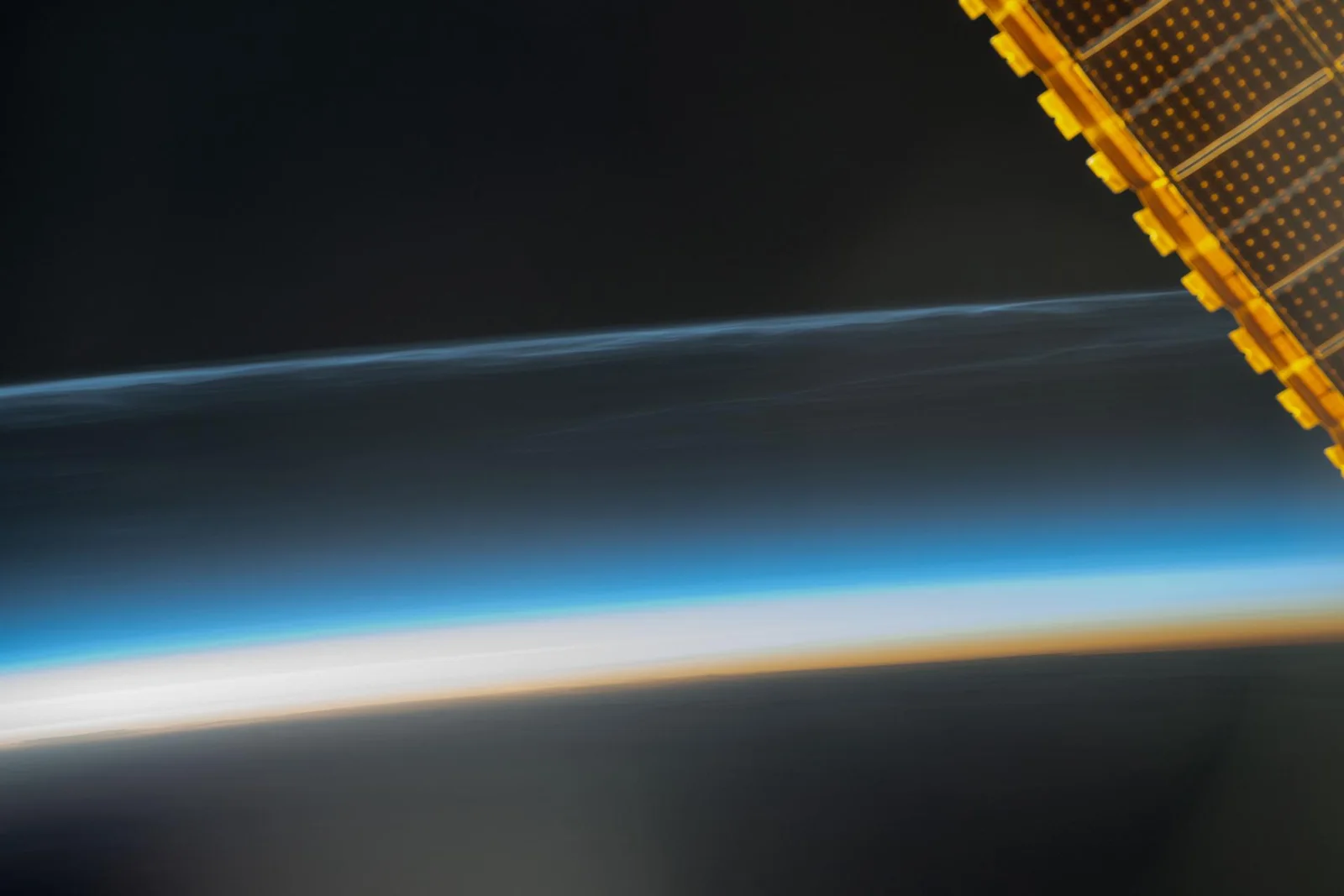
SCROLL THROUGH REAL NASA FOOTAGE+
02Inside an instruction
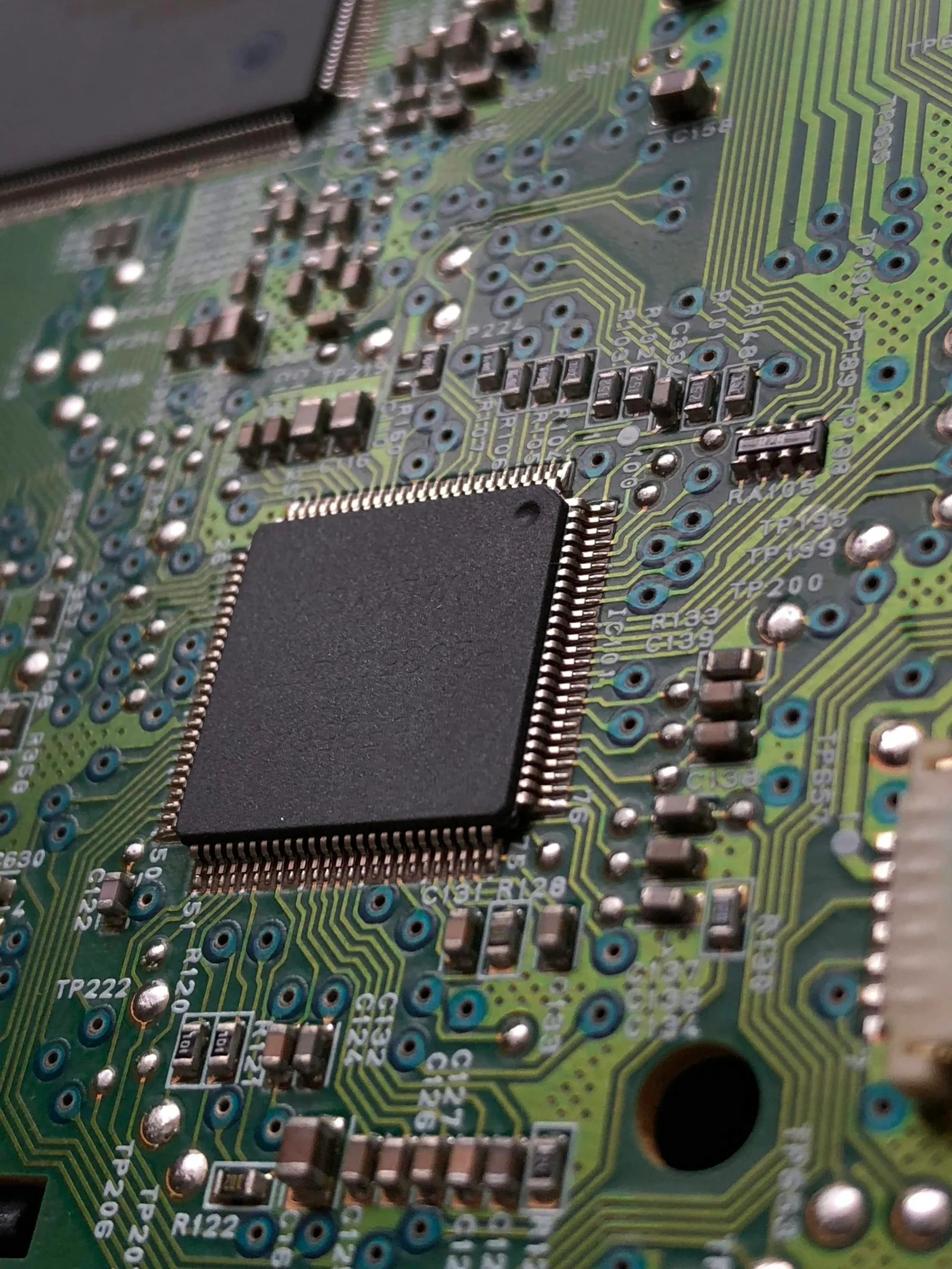
STEP THROUGH AN 8-BIT MODEL+
03A small satellite, unfolded
ROTATE A CUBESAT CONCEPT+
04The work keeps moving
TOOLS, REPOSITORIES & ACTIVITY+
FOR THOSE WHO PREFER A PROMPT
Talk to the system.
No secret handshake.
Start with help.
Try help, projects or contact. Tab completes a command; arrow keys recall history.
PK-OS / portfolio shell ready.
Type help to explore. Commands navigate and explain this portfolio.